To configure related products filter on specific product navigate to the product page -> Linked Products.
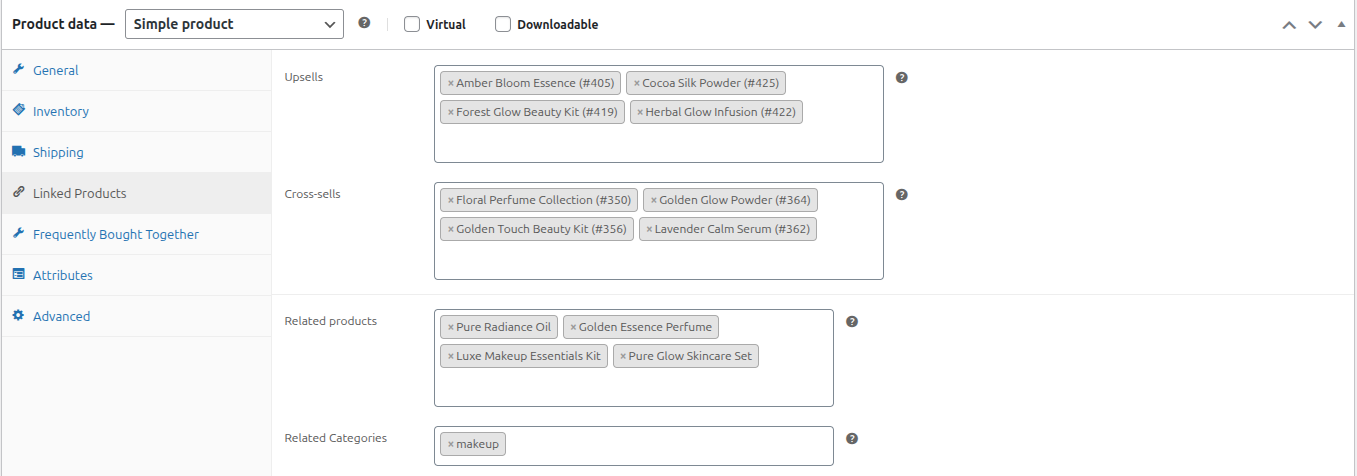
- Upsells: This option allows you to select the upsell products that you want to display on the current product page.
- Cross-Sells: This option allows you to select the cross-sell products that you want to display on the cart page when the current product is added to the cart.
- Related Products: This option allows you to select the related products that will be displayed for the current product.
- Related Categories: This option allows you to select and save categories related to the current product. Products belonging to the selected categories will automatically appear as related products.