







Last year we had a client with a mostly-working course platform. Enrollments were firing. Most times, certificates were created. However, every couple of weeks something would go wrong: A plugin update would cause a drip-content schedule to reset, or a custom progress bar would no longer show actual completion information. The site was created by a WordPress developer who by all normal standards was a good one. He simply wasn’t a LearnDash developer, and in this instance the gap cost the client three re-builds and a stalled course launch.
The big question right now is whether you need a LearnDash developer, or will any competent WordPress developer do? The answer is “it depends on what you’re building”, but with no context that’s not very helpful, so let’s dissect it.
Why This Question Even Needs Asking
LearnDash, as it appears, is simply a WordPress plugin. It installs, activates, and functions as any other software over the base. That is why so many site owners assume that they can easily transfer their general skills with WordPress.
LearnDash is the most popular LMS WordPress plugin on the market, with approximately 21.5% of the WordPress LMS plugin market share. That’s a significant scale, as the plugin has since become more than just a course-listing tool. Since it was launched in 2013 and acquired by Liquid Web in 2021, LearnDash’s internal system has morphed into more of an application within WordPress, with its own set of post types, progress tracking system, REST API, and template system.
That complexity is invisible from the admin dashboard. It becomes very visible the first time someone tries to customize something beyond what the settings screen allows.
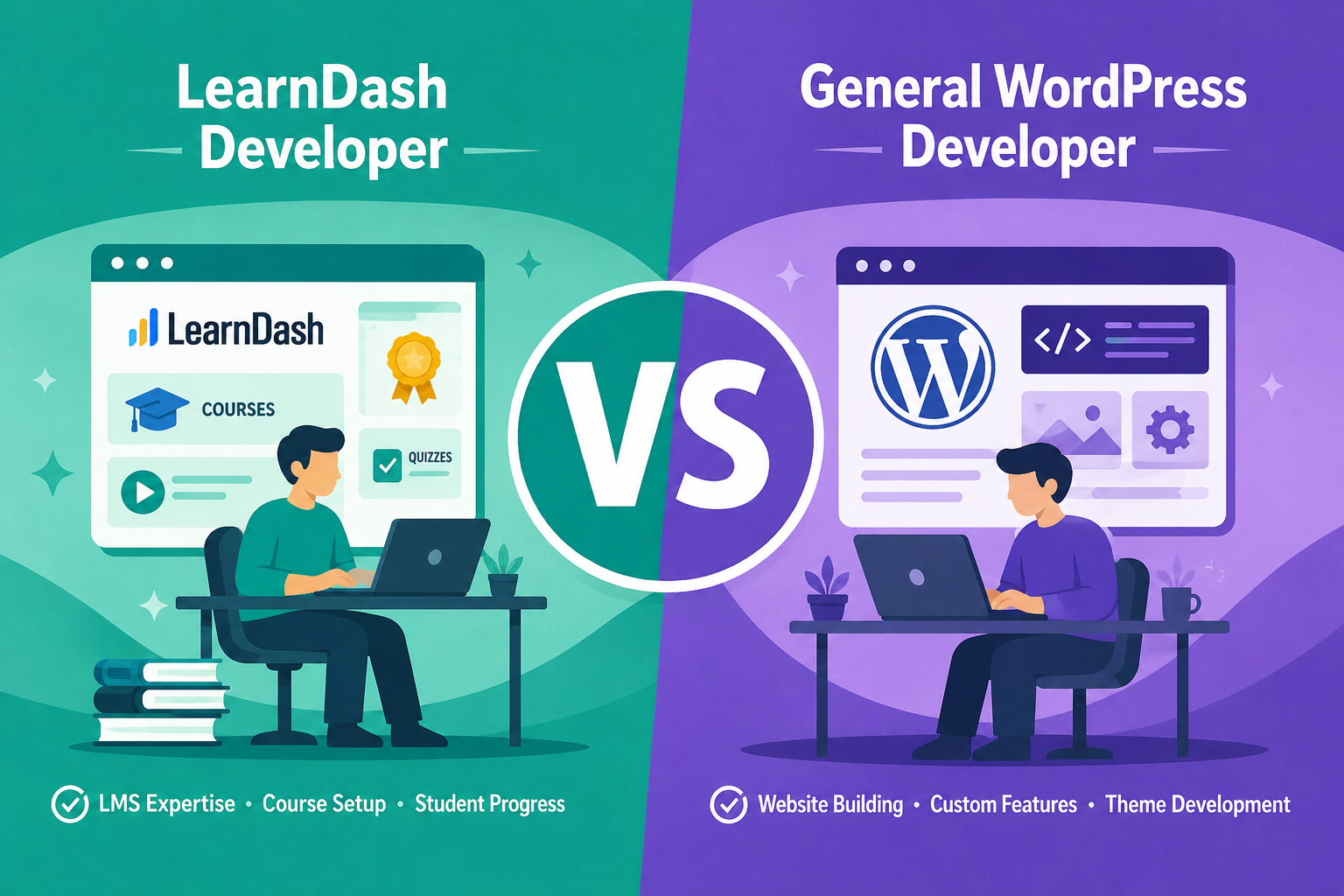
LearnDash Developer vs General WordPress Developer, Side by Side
Before going deeper into where the two roles actually diverge, it helps to see the comparison laid out plainly.
The pattern in this table repeats throughout the rest of this article: general skills cover the site around LearnDash, and specialist skills cover what happens inside it.
What a General WordPress Developer Is Actually Good At

This isn’t a case against generalists. Most of what keeps a course site alive day to day has nothing to do with LMS logic at all.
A solid general WordPress developer typically handles the following well:
- Core site health: hosting configuration, caching, security hardening, and the kind of maintenance that keeps a site fast and online
- Theme and layout work: page structure, responsive design, page-builder troubleshooting
- Plugin ecosystem management: resolving conflicts between unrelated plugins, keeping dependencies compatible
- WooCommerce basics: since most course sites sell something, general commerce setup is usually within scope
- General PHP and WordPress standards: hooks, filters, child themes, the template hierarchy
Any issues with your course platform – slow homepage loading, broken checkout flow, layout bugs – a good generalist will be able to resolve them faster and at a lower cost, as none of this has anything to do with the internal logic of LearnDash.
Where General Skills Stop Being Enough
The wall appears only after a request transitions from the “make it look right” stage to “make it behave correctly”. There are many reasons for plugin conflicts in WordPress, including overlapping functionality, version conflicts, and using the hooks incorrectly – but they are more likely to show up after an update than at the time of installation. LearnDash is more open to that pattern than most plugins because its functionality is built from the ground up using the hook system and not just what is specified in a general WordPress course.
A few concrete examples of where this bites:
- Data model assumptions: In a typical custom post type setup, LearnDash will not store the relationship between courses, lessons and quizzes in the way that a developer would expect. If you get that incorrect, and you have a simple feature like a progress dashboard, it can quietly lie for months on end without anyone realizing that it’s false.
- Hook selection: The hook learndash_update_user_activity will fire after LearnDash updates an activity for a student, and is one of the most useful LearnDash-specific hooks for code that requires it to respond to changes in student activity. A developer with no experience of LearnDash will be more likely to use a generic WordPress action, achieve some of the results he or she is looking for, and then be puzzled why it doesn’t work for particular course structures.
- Template overrides: LearnDash is similar to WooCommerce in that it provides a template system in which template files can be overridden by copying them into the current theme instead of editing them directly. Otherwise, the next LearnDash update will be replaced with a plugin update. The idea that one can wire a hook into a page-builder block, only to find out that it isn’t firing where they thought it would be, is a very common issue found in community forum threads by developers who have discovered, after they’ve built something, that the front-end order of LearnDash’s hooks differs from the order they were used to in general page builder workflows.
- The REST layer: LearnDash includes a fairly complete REST API that enables headless front ends, mobile apps and third-party integrations. As long as the developer building with it has comprehensive knowledge of LearnDash and understands its data structures thoroughly enough to work with them correctly, otherwise, it’s merely a slow and less reliable workaround.
None of these are rare edge cases. These are the nitty gritty details of any course platform that doesn’t come with the basic installation and are not covered by a generic WordPress background. These are among the common LearnDash challenges that become more difficult to diagnose as a platform grows.
What a Dedicated LearnDash Developer Brings to the Table
LearnDash inherits all of the extensibility features of WordPress, with a well-documented REST API, a mature hook and filter system, and a large and established plugin ecosystem that has already been tested with WordPress. A Learndash expert who specializes in the platform has a much larger set of reliable tools to draw on because of it. The difference isn’t that a specialist knows some secret trick. It’s that they’ve already made (and fixed) the mistakes a generalist is about to make for the first time.
In practice, that specialization shows up as these skills to look for when hiring LearnDash developers:
- Knowing which of LearnDash’s dozens of hooks actually fire reliably for a given use case, instead of guessing and testing in production
- Structuring custom code so LearnDash can be updated without overwriting the customizations built on top of it
- Understanding how group leaders, course access rules, and membership integrations interact (an area where generic WordPress logic tends to produce wrong permission behavior)
- Scoping integrations against LearnDash’s actual data model rather than reverse-engineering it mid-project
- Recognizing which customizations belong in a plugin versus a theme override, which has direct consequences for what survives the next update
The latter aspect is more important than it seems. A developer who has released several course platforms powered by LearnDash is more likely to be developing with the idea that updates will occur, rather than focusing on the version at hand.
The Cost and Timeline Trade-Off

A generalist will almost always quote lower for the same scope of work, at least on paper. For straightforward builds, that’s a fair trade, and paying specialist rates for a task any competent generalist can handle is money spent for no real benefit.
The trade-off flips once custom LearnDash development enters the picture. A generalist unfamiliar with the plugin’s internals will often spend time discovering constraints a platform specialist would already know going in. That discovery time doesn’t show up in the original estimate, but it shows up in the invoice, and it tends to show up again every time the plugin updates and something quietly stops working.
For a closer look at what goes into those costs, see this guide to the cost of custom LearnDash development.
A Simple Way to Decide
Rather than trying to classify your entire project at once, it helps to break it down task by task:
Hire a generalist when:
- The work is primarily visual: layout, branding, page-builder design
- You need standard WooCommerce setup with no LMS-specific logic
- Hosting, performance, or security maintenance is the core ask
- You’re using LearnDash close to its default configuration, with light customization
Hire a LearnDash developer when:
- You need custom reporting, progress tracking, or completion logic
- The project involves group management, custom access rules, or membership tiers
- You’re integrating LearnDash with a CRM, payment system, or external LMS-adjacent tool
- You’ve already had customizations break after a LearnDash update
- You’re planning a headless or app-based front end that pulls from LearnDash’s data
Many real projects need both. It’s common to hire a generalist for the site’s overall build and bring in LearnDash customization expertise specifically for the course logic, either as a contractor for a defined scope or as an ongoing specialist for a platform that keeps evolving.
Conclusion
Course platforms rarely fail because someone chose the “wrong kind” of developer in some absolute sense. They fail because the scope of the work didn’t match the skill set brought in to build it. A generalist who never touches LearnDash’s internals can build you a fast, secure, good-looking site. A LearnDash developer earns their rate the moment the project needs the plugin to do something it wasn’t originally built to do out of the box, and needs it to keep doing that after the next update ships.
Know which project you’re actually running before you hire for it, and the rest of this decision mostly makes itself.
FAQs
Is a LearnDash expert just a general developer with more experience?
Not exactly. Experience helps, but the specialization comes down to familiarity with LearnDash’s specific hooks, data model, template system, and REST API. That kind of knowledge doesn’t come from general WordPress work alone, no matter how many years someone has behind them.
Can a generalist learn LearnDash customization on the job?
Often, yes, for smaller projects with some tolerance for a learning curve. The risk is higher on complex builds, where mistakes made while learning tend to surface as broken functionality after the site is already live and generating revenue.
Does LearnDash break more often than other WordPress plugins during updates?
Not inherently. The issue is usually how customizations were built. Code that is based on hooks and theme overrides that are documented will stand the test of time; code that modifies template or plugin files directly will not.
When starting, how can I determine if I need someone with LearnDash expertise or not?
A general developer is typically all that is needed if the request is of the nature of “make this look different” or “fix this display issue. When it comes to altering how progress, access, enrollment and grading logic are handled, specialist experience becomes much more valuable.
Is it more expensive to hire a LearnDash expert than a WordPress developer?
Usually yes, on an hourly basis. For custom LMS logic, that higher rate often works out cheaper overall, since less time gets spent discovering constraints the developer already knows going in.