
This setting allows the admin to configure the message displayed to users when the cart threshold is satisfied.
To access these Settings, go to: Click on Cart Messages > Global Settings > Threshold Satisfief message Styling Setting
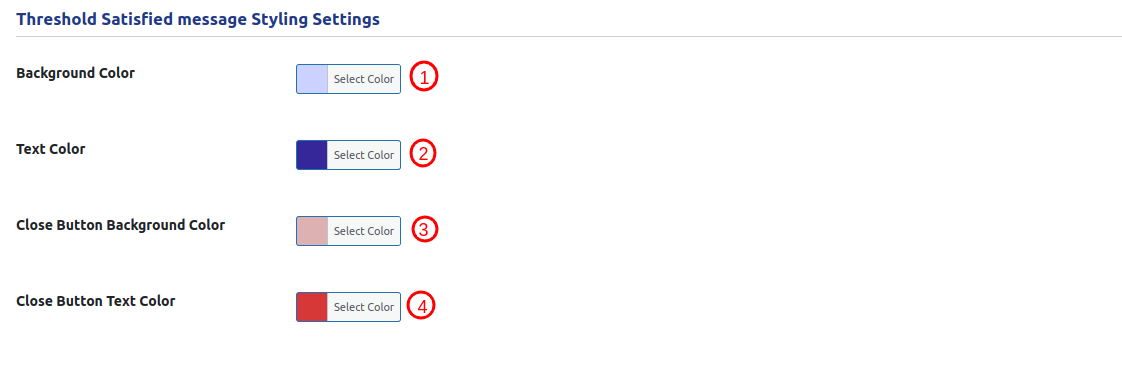
This setting allows the admin to configure the message displayed to users when the cart threshold is satisfied.
- Background Color:
This setting allows the admin to select a background color to customize the cart satisfied message background. - Text Color:
This setting allows the admin to select a text color to customize the color of the cart satisfied message text. - Close Button Background Color:
This setting allows the admin to select a background color to customize the appearance of the cart satisfied message close button. - Close Button Text Color:
This setting allows the admin to select a text color to customize the text in the cart satisfied message.